Create gaming rooms
Set a room name, choose a game, select a date and time, and prepare a session for others to join.
Gaming voice rooms for play-together sessions
Create or join gaming rooms, find teammates, and stay connected through real-time voice chat, room messages, and shared in-game moments.
What PartyQ Does
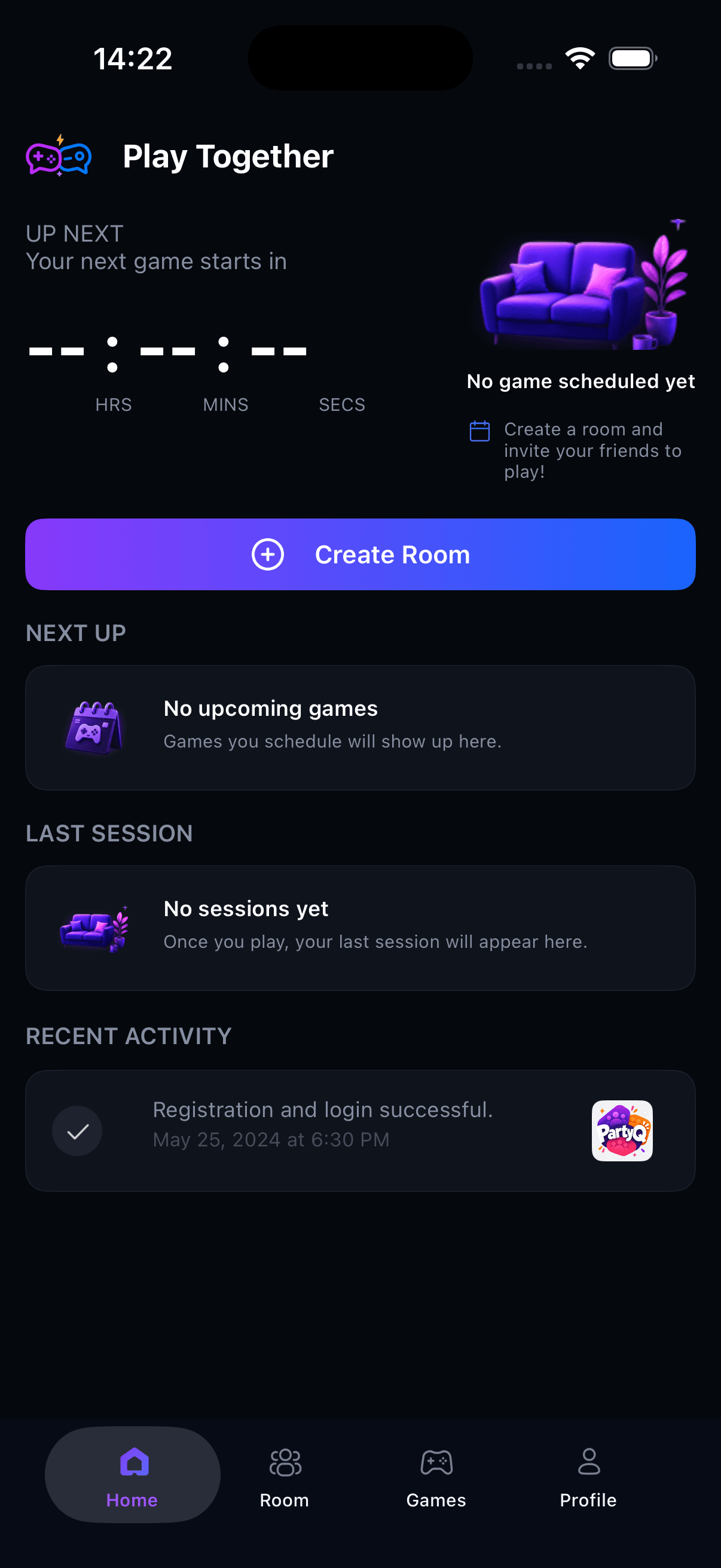
PartyQ focuses on gaming sessions and player communication. The app helps users discover rooms, choose games, coordinate by voice, and keep track of their own room activity.
Set a room name, choose a game, select a date and time, and prepare a session for others to join.
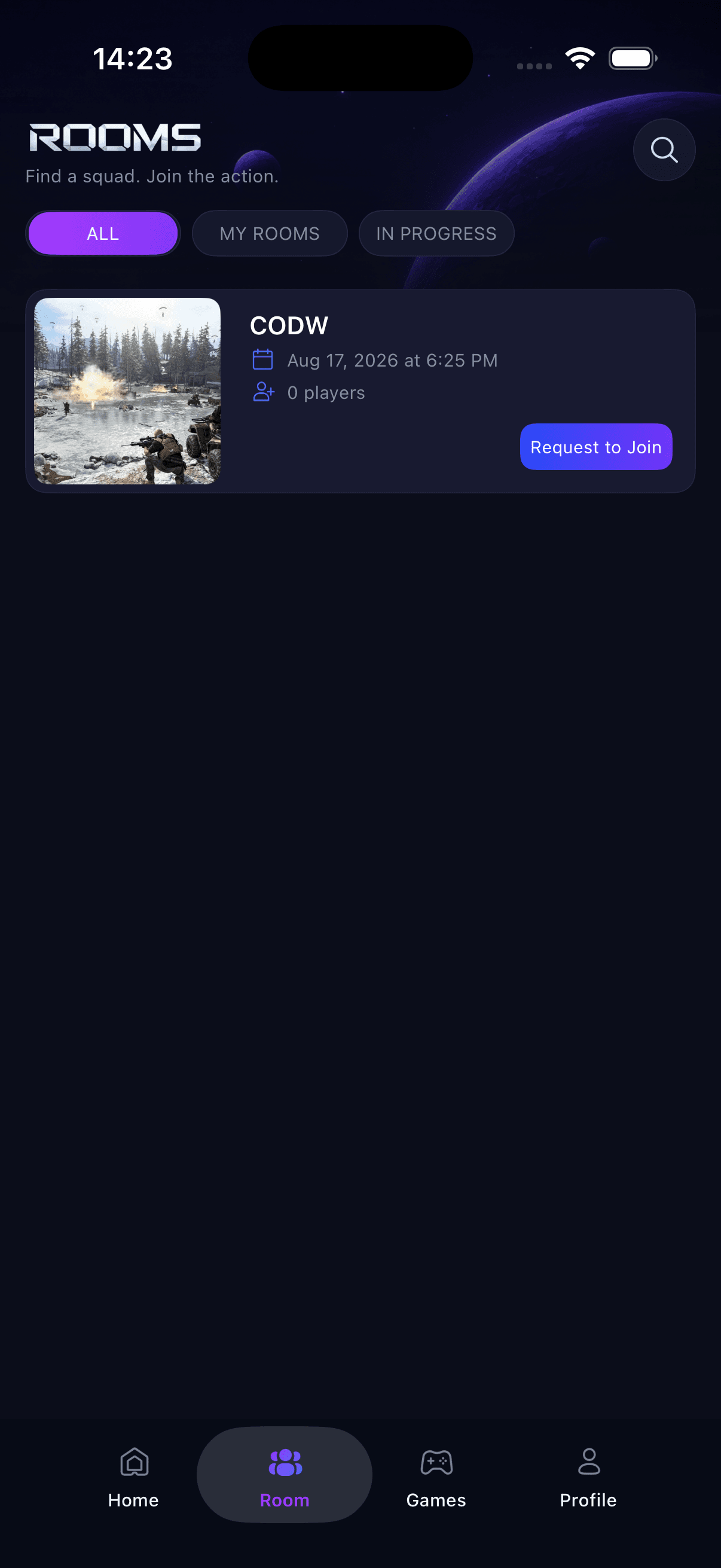
Browse upcoming and in-progress rooms, view player counts, and request to join when a room matches your plans.
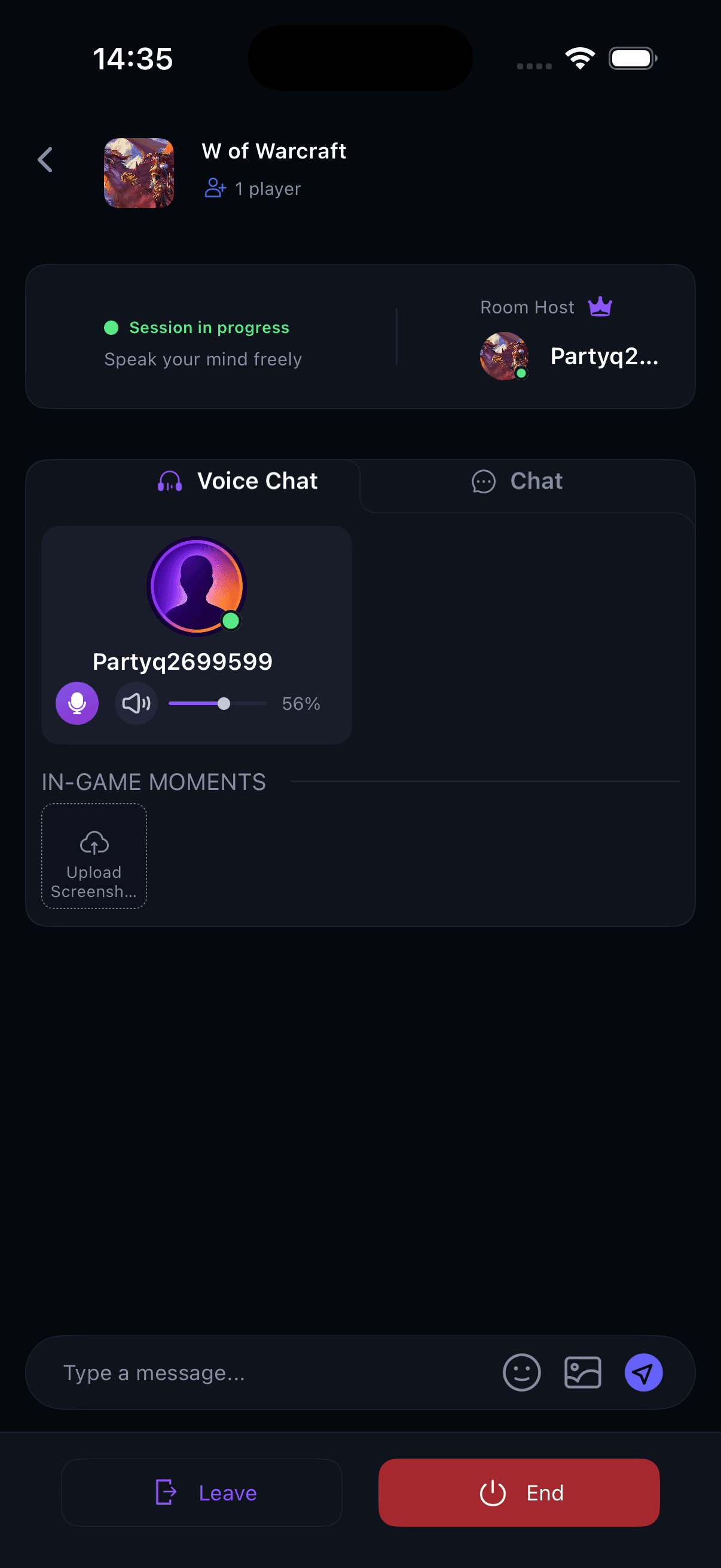
Use real-time voice chat, send text messages, and share room images or memorable in-game moments.
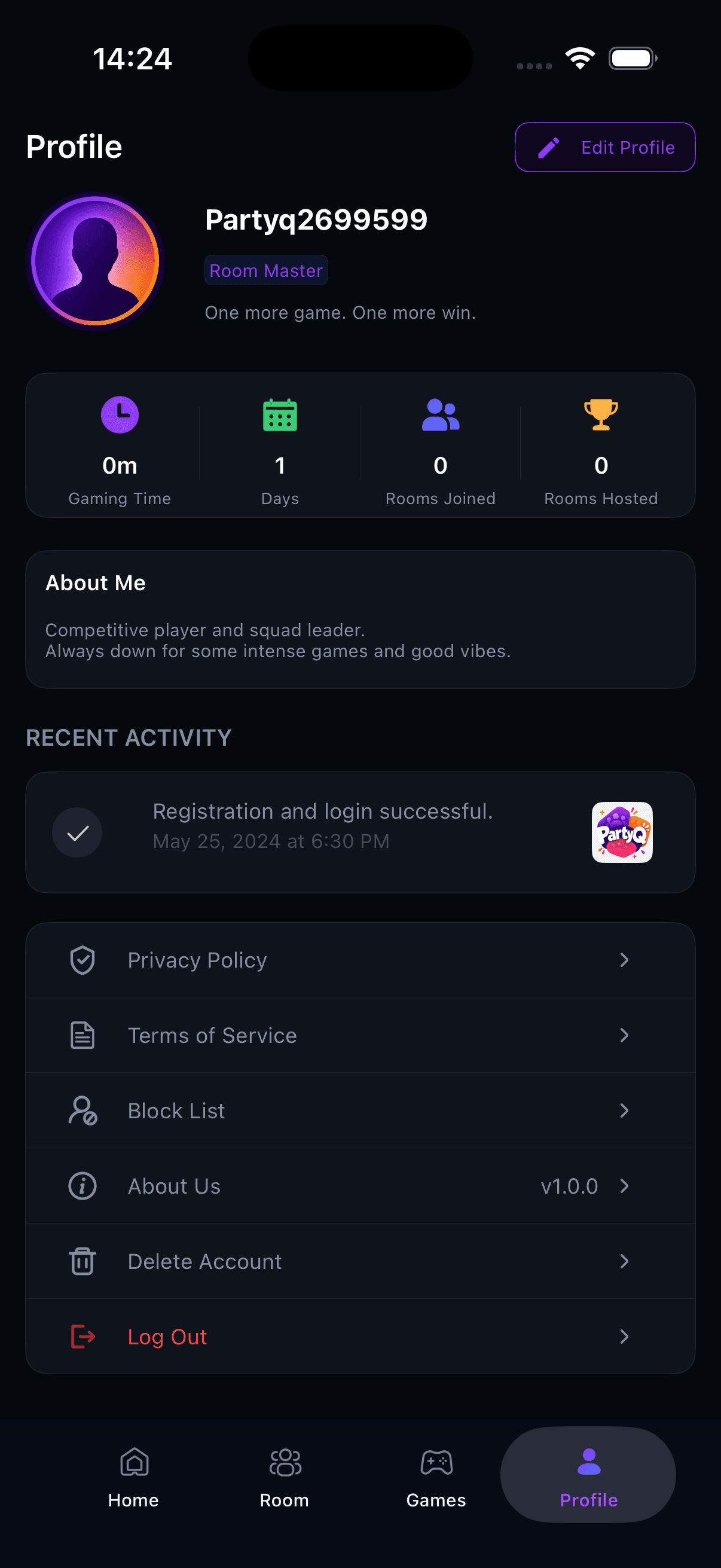
View gaming time, days active, rooms joined, rooms hosted, recent activity, and community leaderboards.
Inside The App
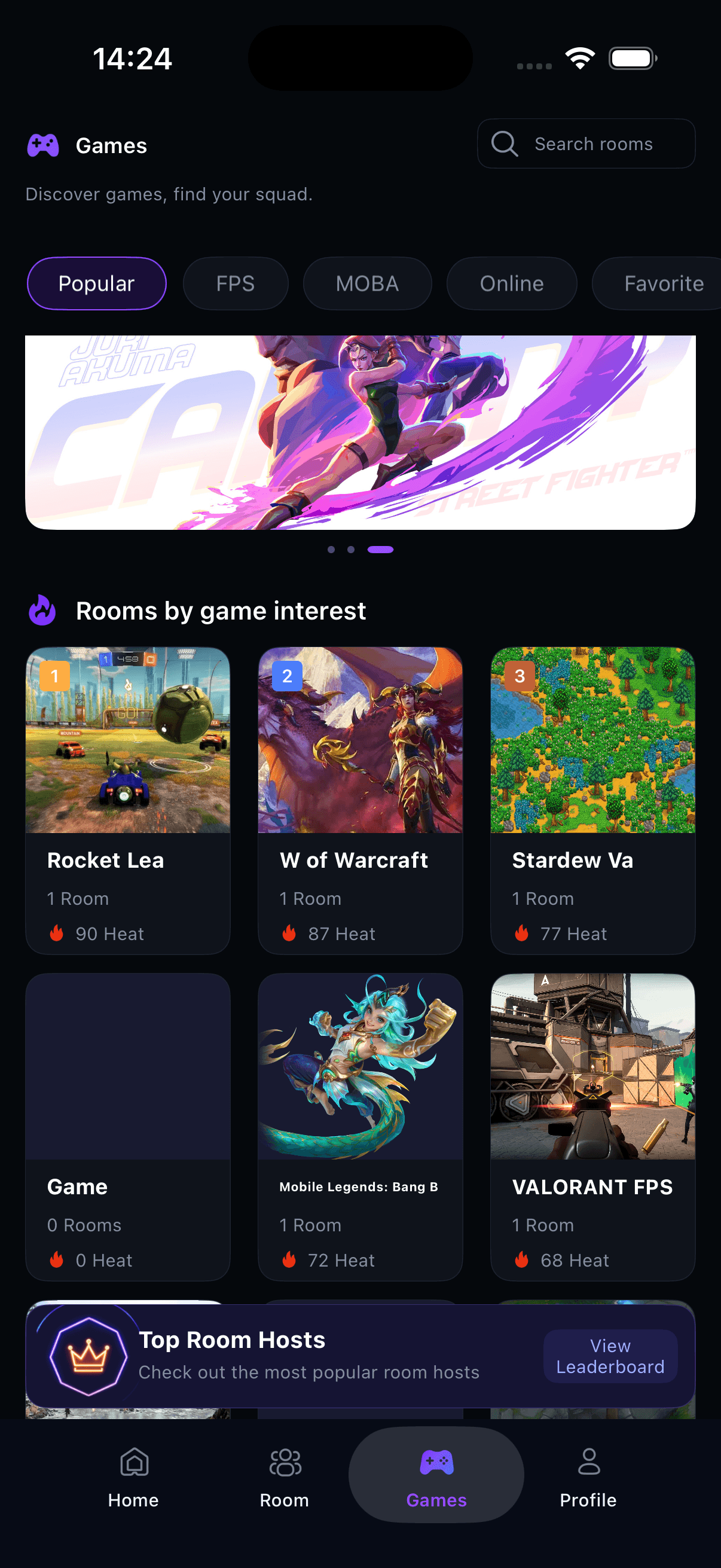
The app includes a Home dashboard, room lists, game discovery, voice room controls, search, profile stats, and leaderboards.
How It Works
PartyQ is built for players who want a lightweight way to organize and communicate around gaming sessions without turning the app into a betting, trading, or reward platform.
Use the Home, Room, Game, and Search areas to find rooms by game, room name, or current activity.
Host a room for a selected game and start time, or join another room while it is available.
Enter the room, use voice chat, send room messages, and share images related to the session.
Safety And Review-Friendly Positioning
The app is designed for social voice communication around games. It does not provide gambling, wagering, real-money game rewards, account trading, or item trading.
Users can access report and block options from the app experience to help manage unwanted behavior.
Room text, profile details, and shared images are user-generated. Users are expected to keep content respectful and lawful.
PartyQ helps players communicate and organize sessions. It is not a gambling service, dating service, or marketplace.
Need help with PartyQ, account access, safety reports, privacy requests, or general feedback? Contact the PartyQ support team.
support@partyqhub.com